
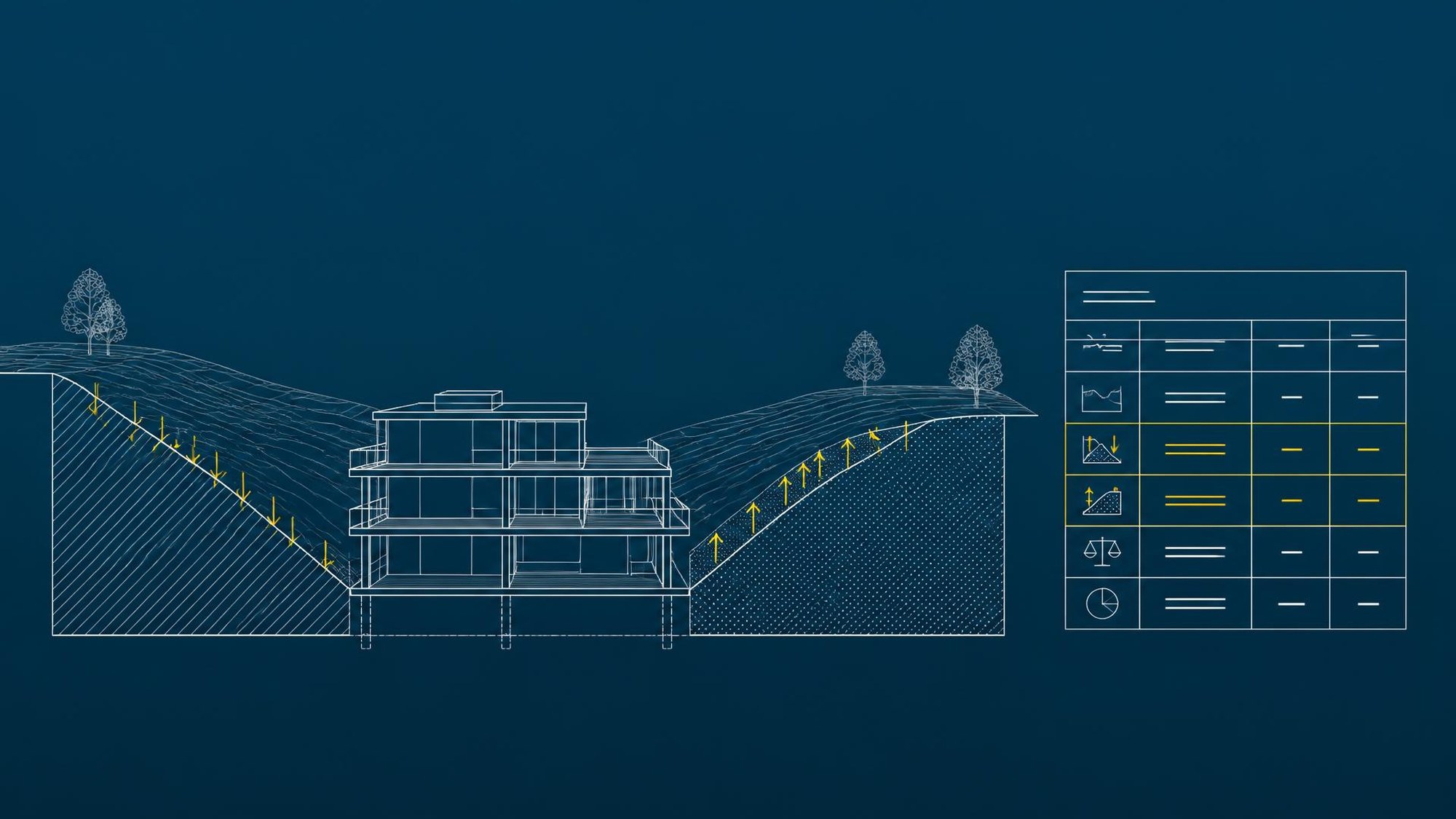
Cut and fill analysis in Revit
How to prevent costly earthwork surprises on site
Earthworks and site preparation are among the most underestimated items in a construction budget. Placing a building badly against the existing ground often leaves you with far more cut than fill, or the other way round.
The result? Paying to haul away and dispose of hundreds of cubic metres of soil, or paying to import and compact new material.
Instead of waiting for detailed design or the first excavator on site, the cut and fill balance can be optimised during concept design. Here is how we use Revit's native Toposolid and Graded Region tools to give investors full control over earthworks before documentation reaches subcontractors.
1. Modelling the existing ground
We start by rebuilding the terrain from survey elevation data or a point cloud. The key step is assigning that initial geometry to the Existing phase.
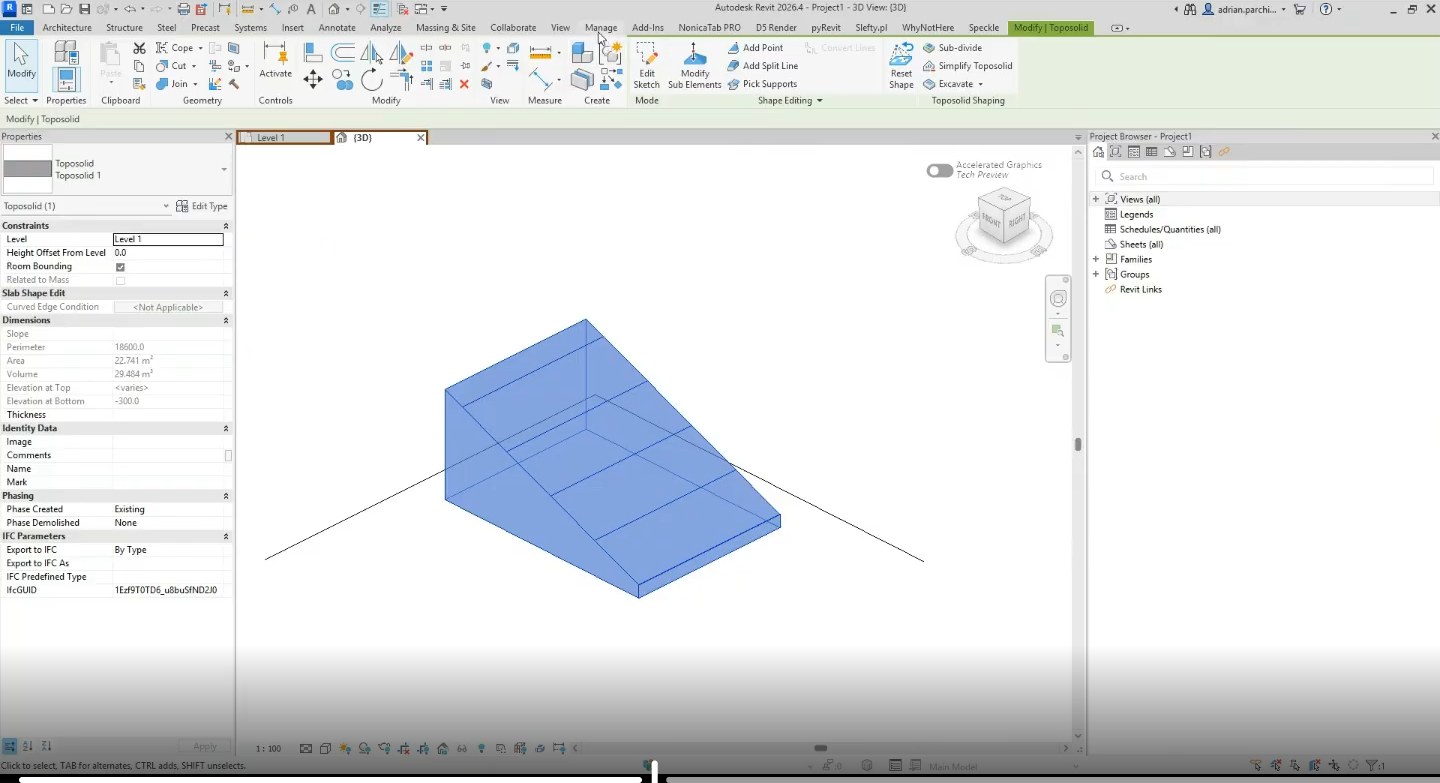
2. Generating the proposed ground (Graded Region)
For Revit to calculate cut and fill volumes automatically, we need an overlapping surface in the New Construction phase. The Graded Region tool creates a twin Toposolid in the same location while remembering the original reference.
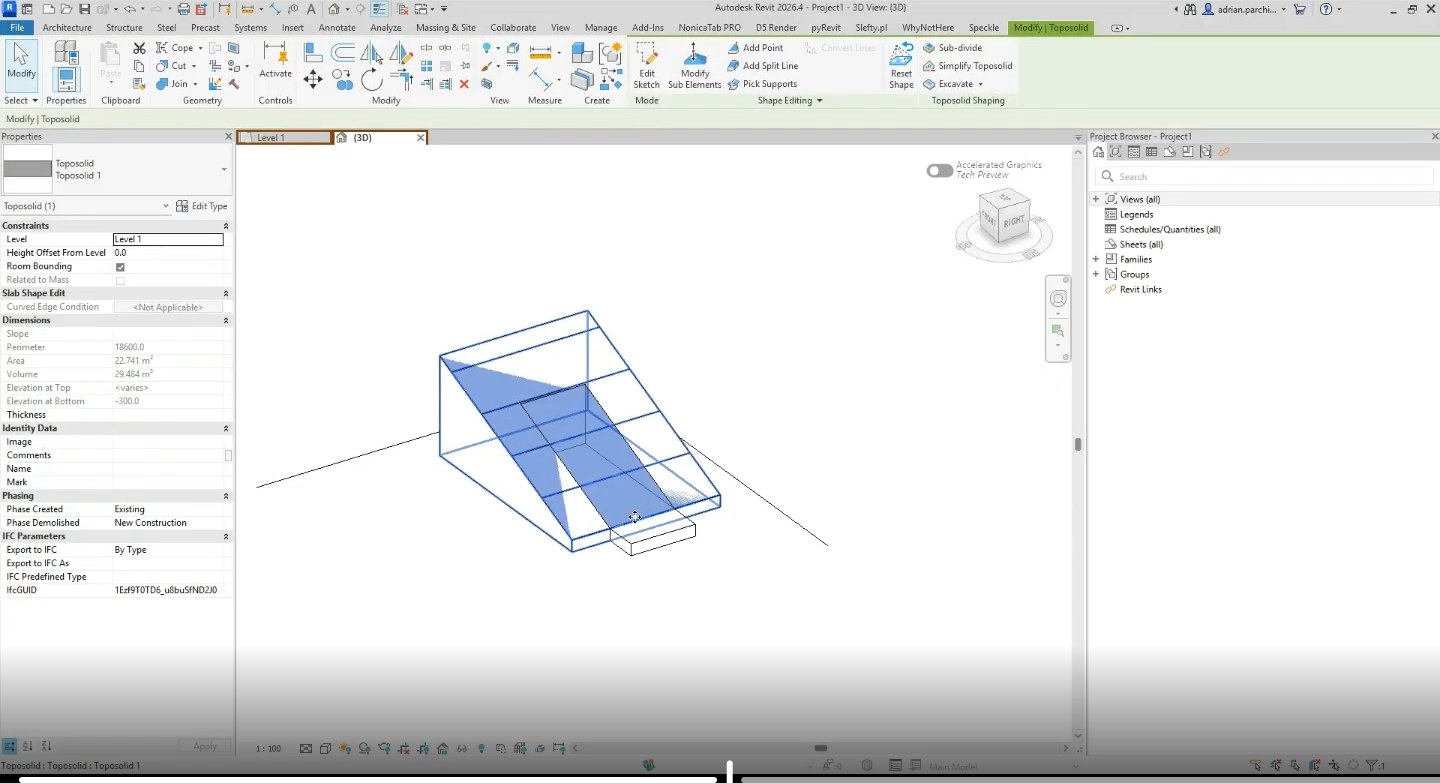
3. Excavating volume under the building
The Excavate tool removes soil under floor slabs or circulation routes automatically. Revit records the vertical cut under the object and updates volumes in the background instantly.
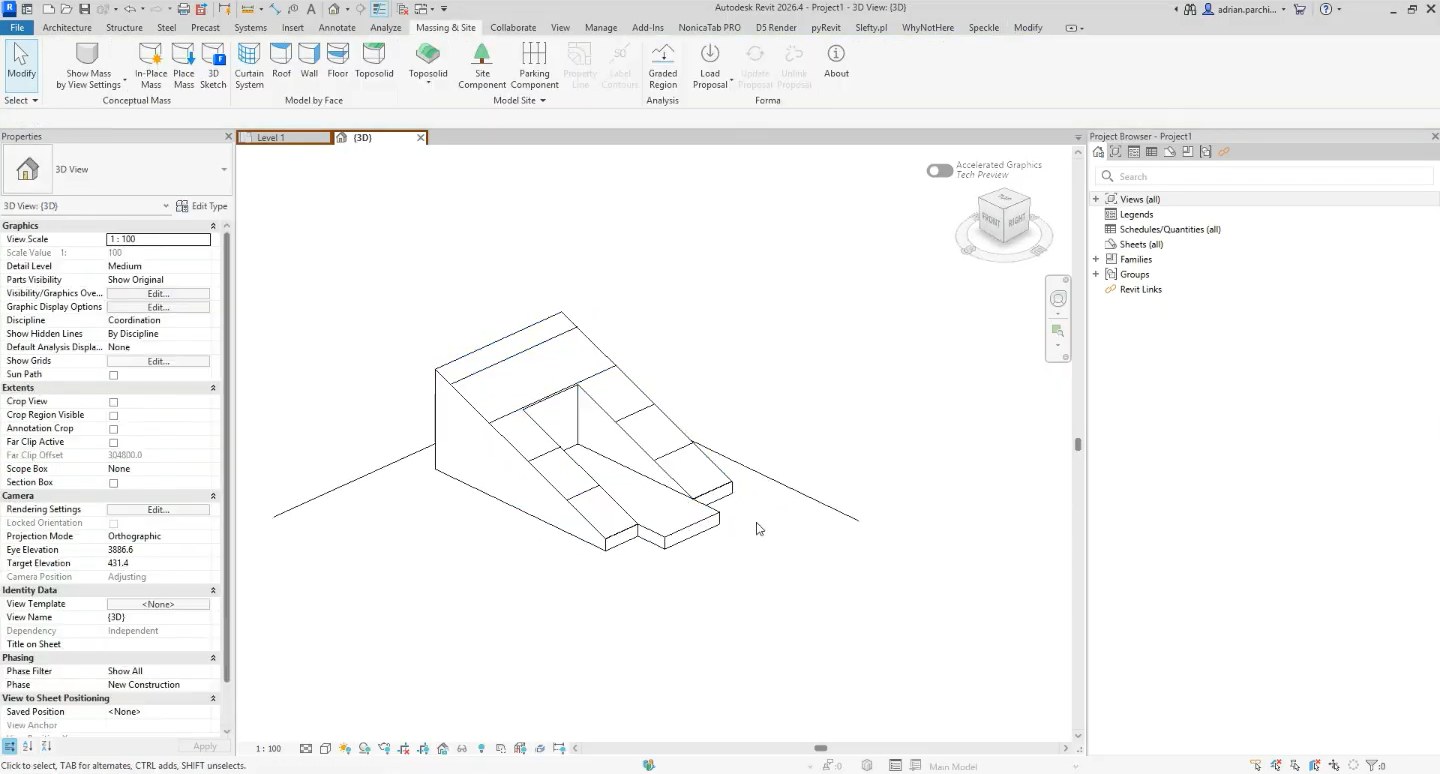
4. Shaping terrain and slopes around the building
Terrain around a building is rarely a vertical wall. Using Shape Editing on terrain points and aligning them to the slab edge, we create smooth grading without unnatural drops.
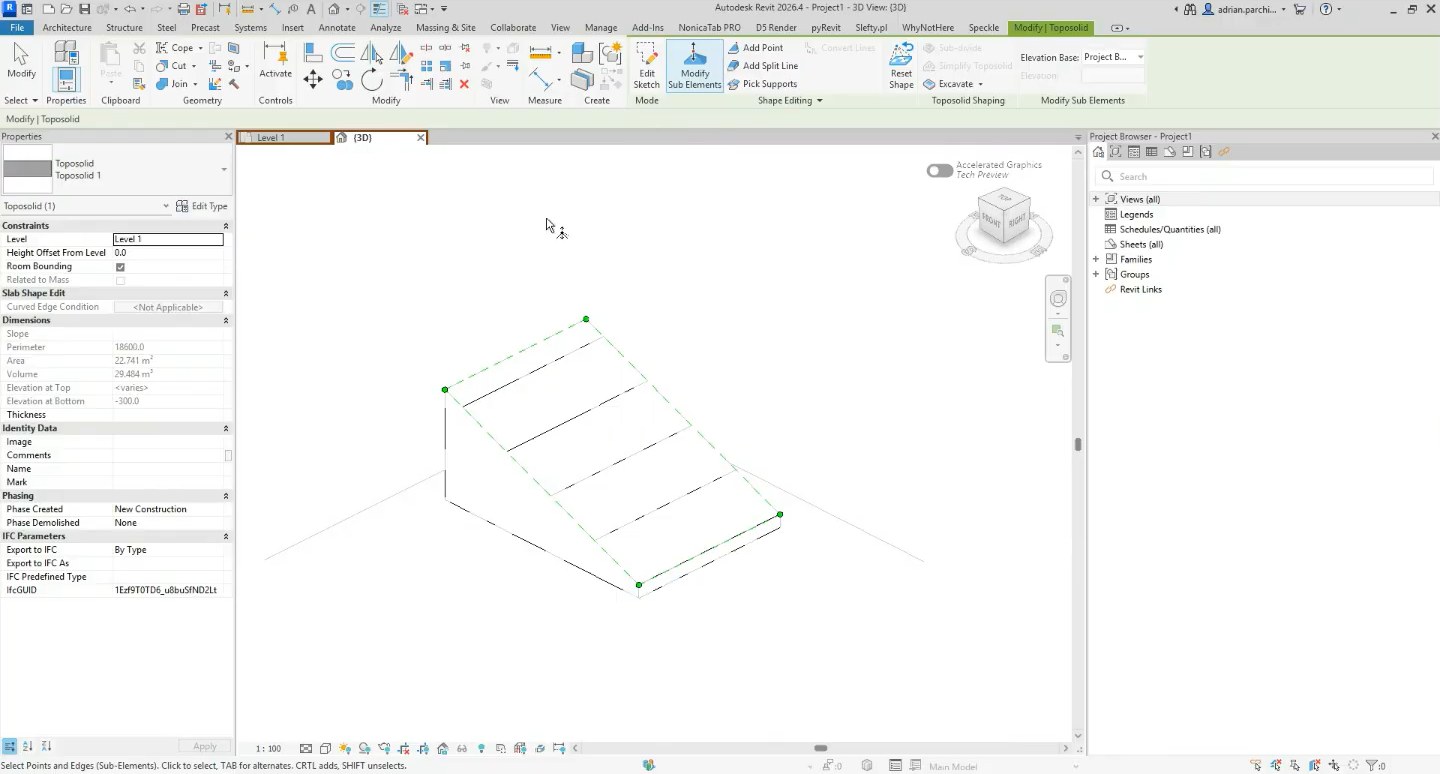
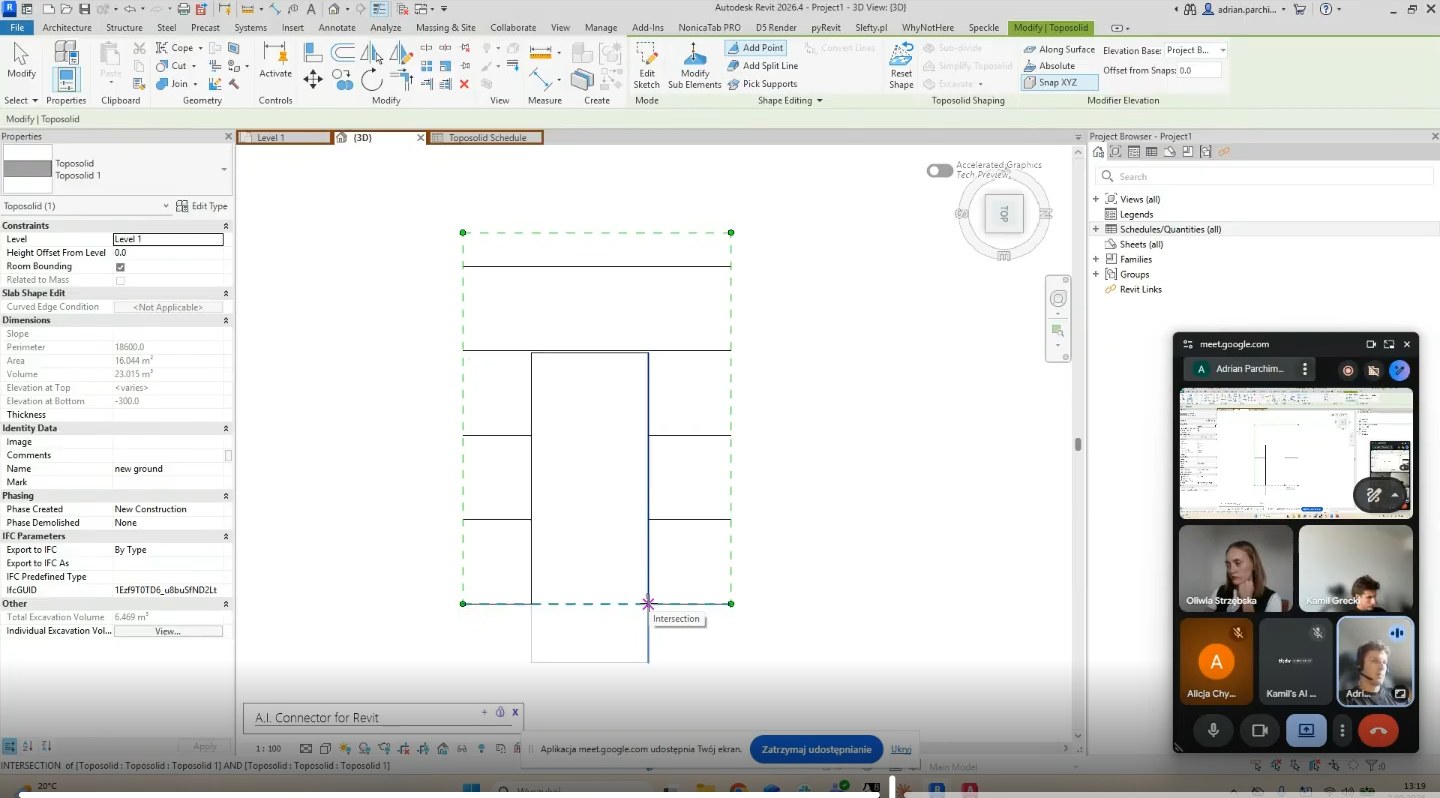
5. Automated earthwork schedule (Toposolid Schedule)
The analytical value of the whole process comes from a properly configured schedule. We add Name, Cut, Fill, Net Cut/Fill and Total Excavation Volume.
Revit distinguishes three separate quantities:
- Excavation: the purely vertical cut under the building or slab footprint.
- Cut: soil removed by modifying terrain points around the object.
- Fill: the volume of soil that has to be imported and compacted.
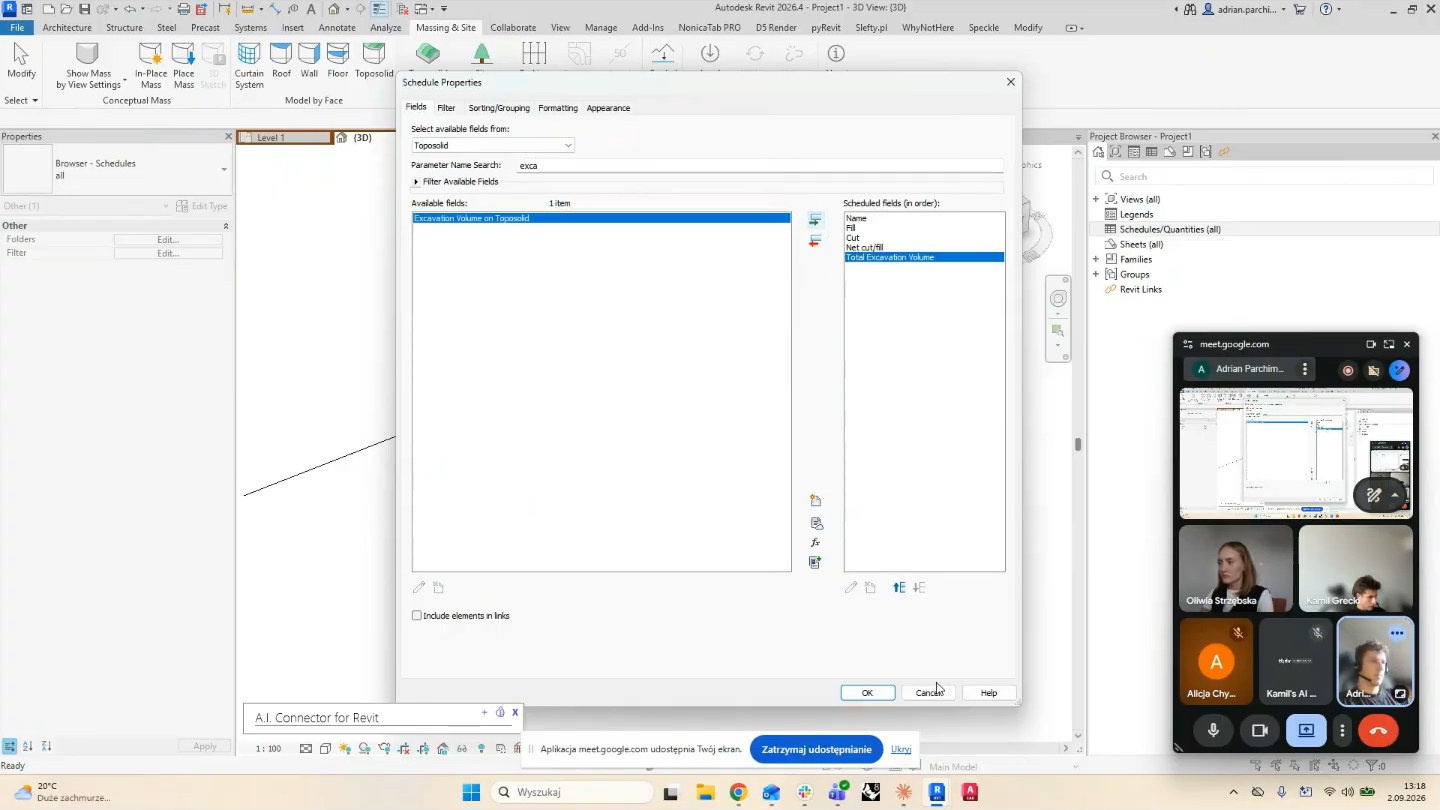
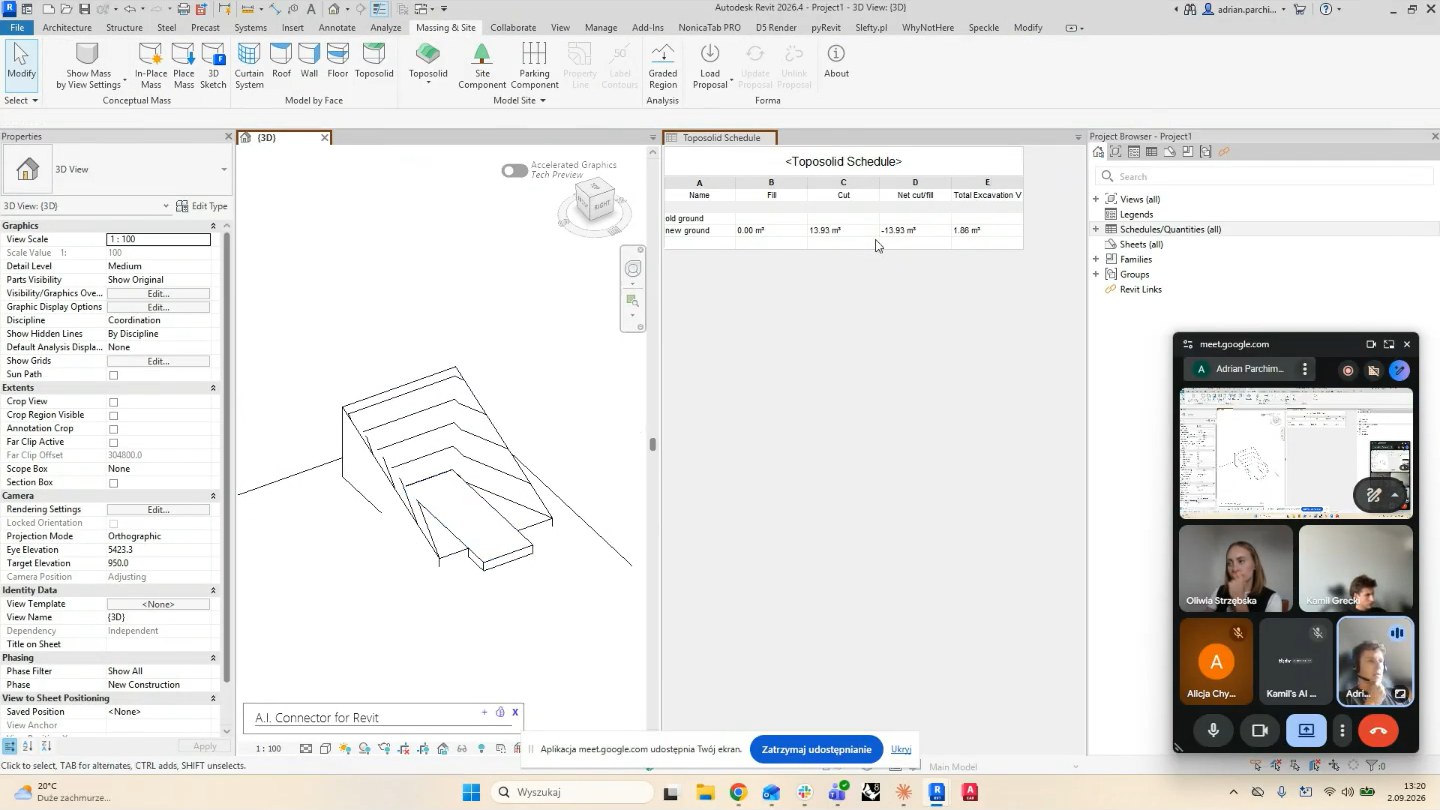
Why we do this at concept stage
Analysing the terrain directly in the BIM model creates clear business value:
- Chasing a 1:1 balance - in minutes we test moving the building (for example shifting the finished floor level by 20 cm) so excavated soil covers the fill demand.
- No budget surprises - the investor sees the extremes (for example a 9:1 cut to fill ratio) and can plan soil logistics costs immediately.
- Faster design decisions - live model analysis removes the need for separate studies at early concept stage.
Knowing the advanced features of the software lets us catch details like this - small improvements that protect the schedule and the budget across the whole project.
Want to analyse the earthwork balance in your project?
We will review your models and help optimise assumptions before you break ground.
Talk to the Slefty team